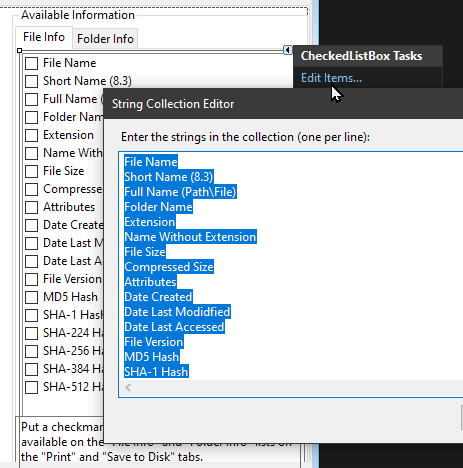
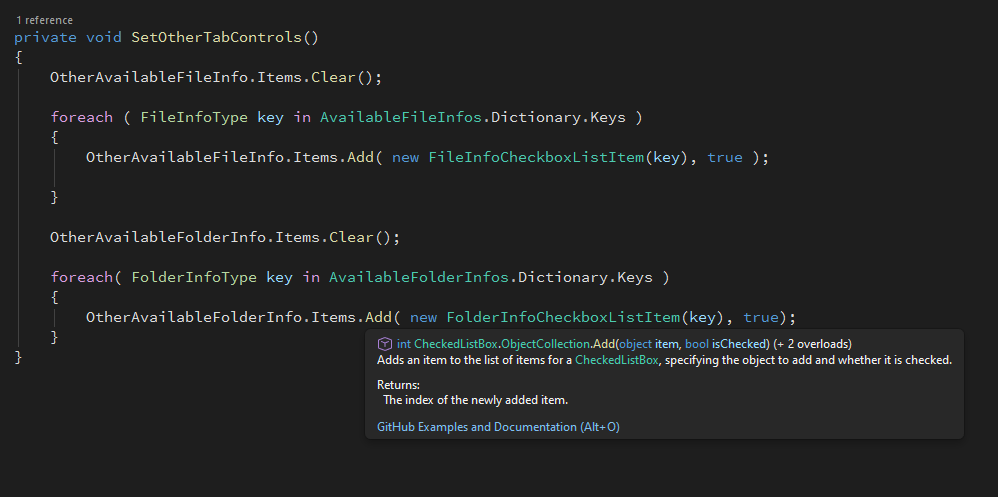
It’s better to populate the user interface using a coded definition of the available columns rather than putting them directly into the designer for the form.
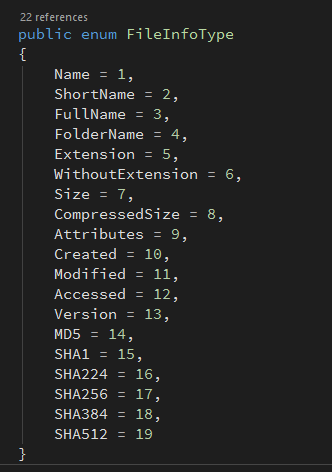
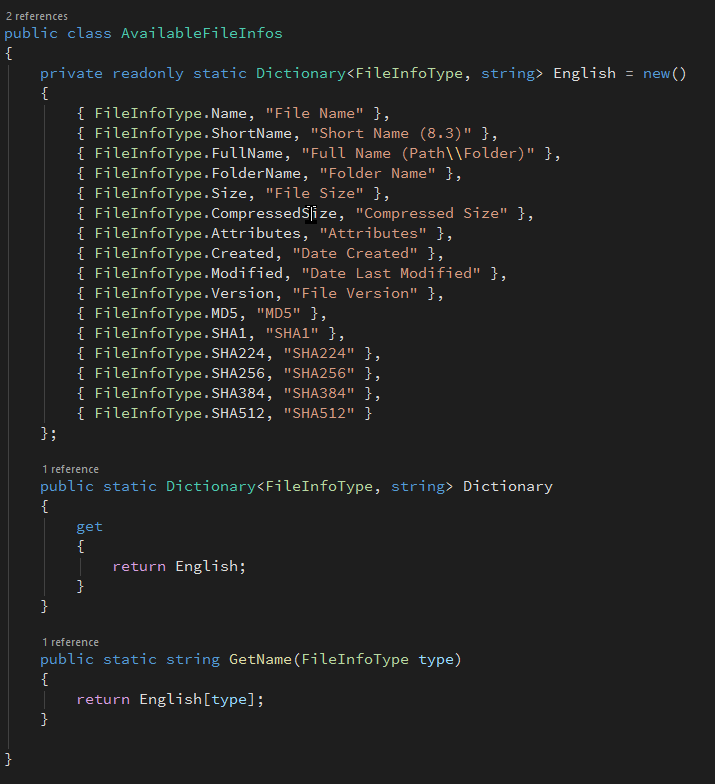
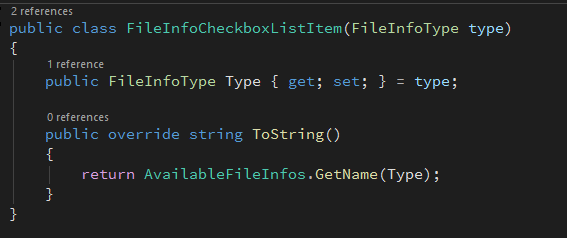
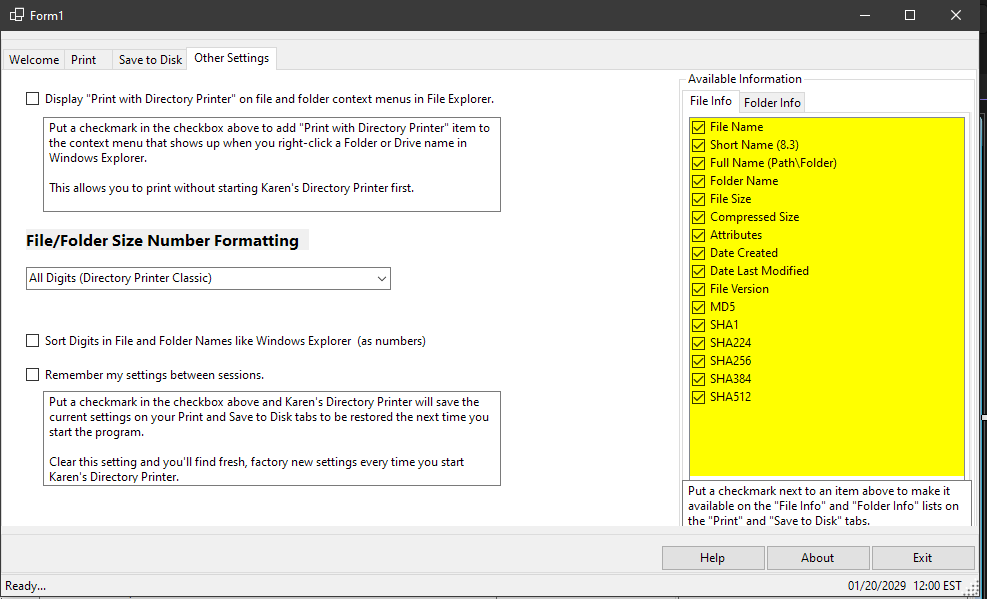
I’ve been wiring up the user interface of Karen’s Directory Printer 26. This morning I created enums and classes to support the programmatic population of those CheckedListBox controls under File Info and Folder Info on the Other Settings tab. The enums associate each data type with a number. The classes associate the enums with English. The English can be easily swapped out for other languages.
The next step is populating the File Info and Folder Info CheckedListBoxes on the Print and Save to Disk tabs based on which members are checked ✅as available in the configuration.
The step after that will be actually saving all these configurations to a file, or the registry, no a file, no the registry. I haven’t decided, yet. I like files.